Security & deployment
Your data stays inside the bank
Xonomy is installed on the bank's own servers and works without internet access. Nothing is sent outside.
Security & deployment
Deployment
On the bank's own servers
Xonomy runs inside the bank's own infrastructure, on Linux or on Windows Server, and works without internet access.
Data
Nothing is sent outside
Deals, evidence and results stay in the bank. If you switch on the optional AI assistance, it talks only to the bank's own AI.
Access
Four roles, clear duties
Administrator, Analyst, Reviewer and Auditor, with the bank's own sign-in. The person who prepares a deal can never approve it.
Audit
A record of who did what, and when
A tamper-evident audit trail, evidence packs, and a read-only workspace for internal and external auditors.
Sharing
Only what you choose to share
The public certificate check reveals no deal details, certificates can be revoked at any time, and client portal links are secure and expire.
Assurance
Documents for your IT and security teams
A security scan report and a software bill of materials (SBOM) are available on request, together with the installation guide.
Roles and the audit trail
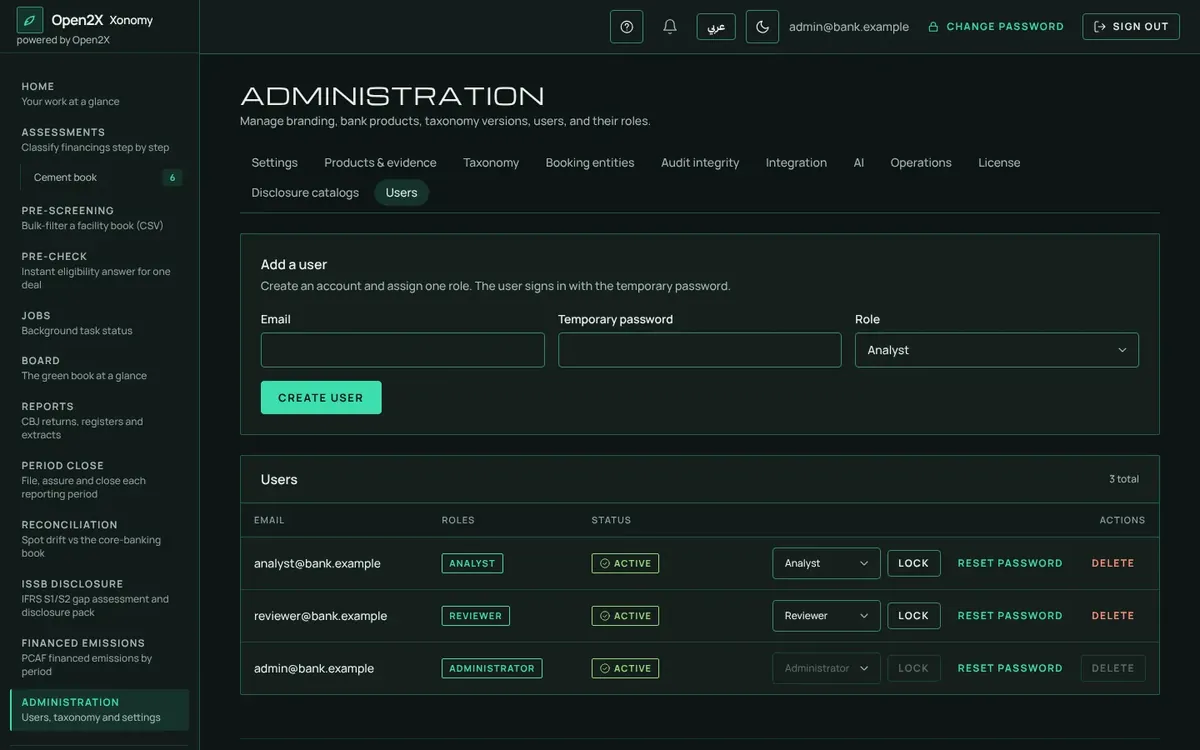
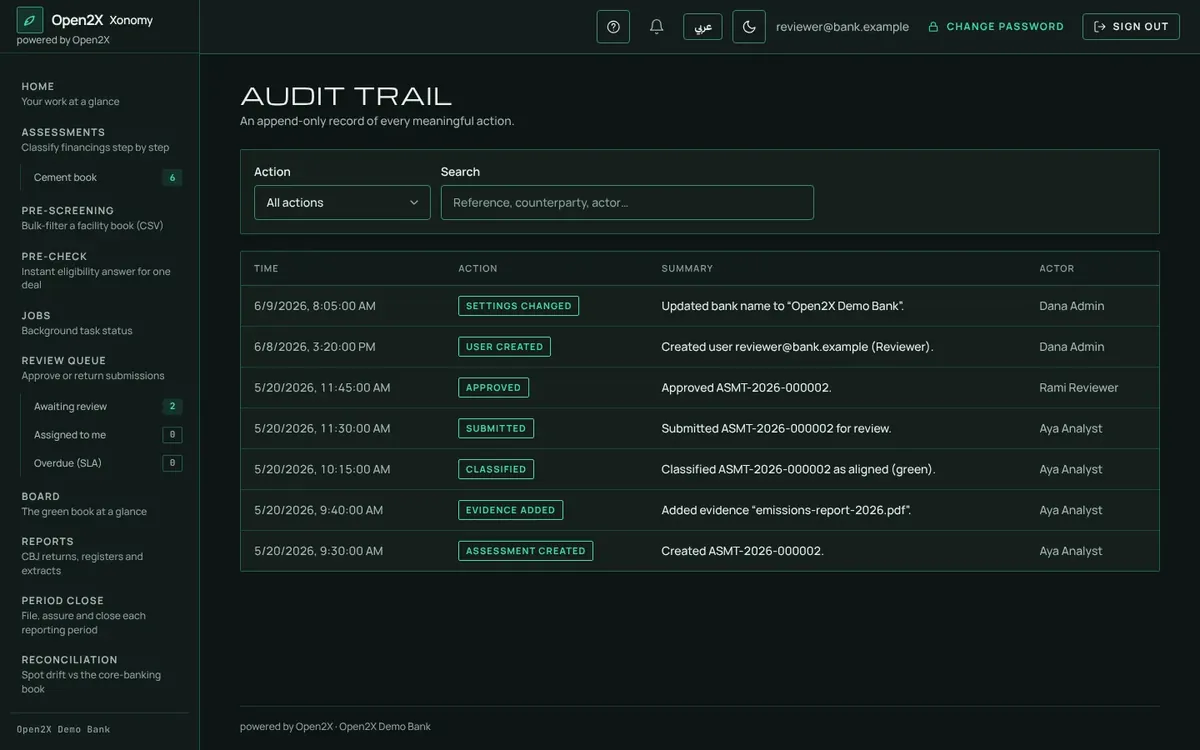
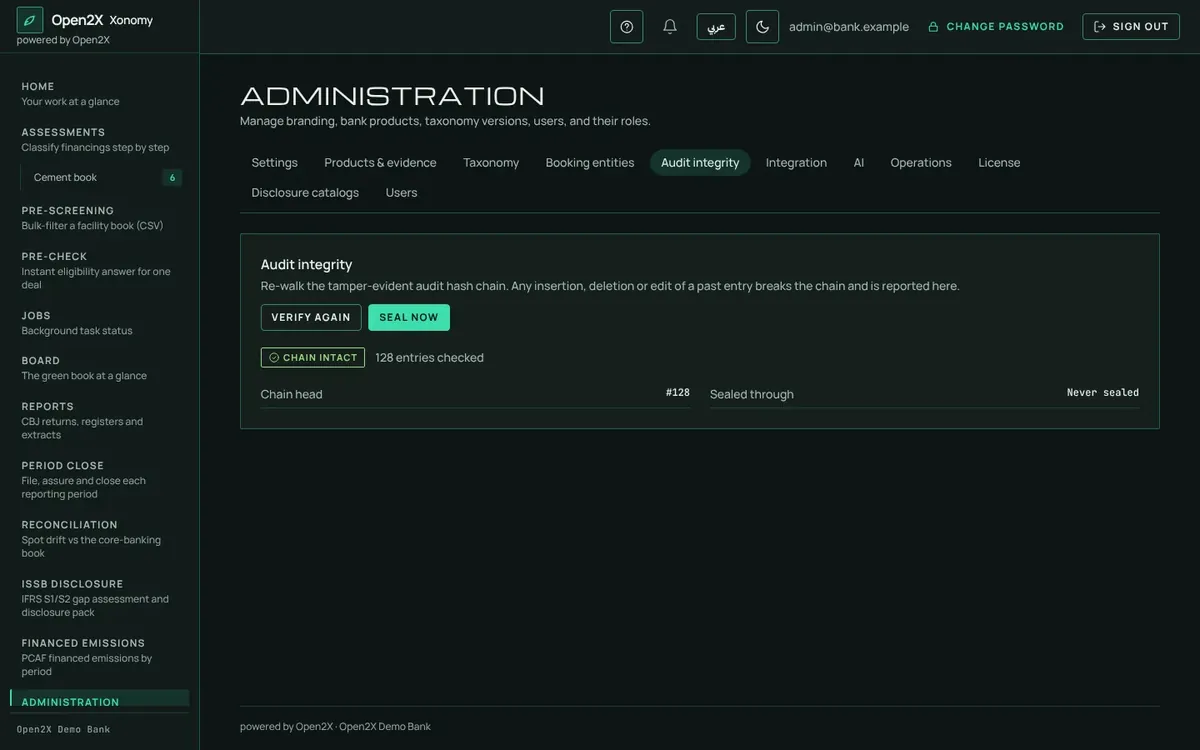
Screens shown with sample data.
Ask for the security documents
Request the security scan report, SBOM and installation guide when you request a demo, or ask your Open2X representative.
Request a demo